
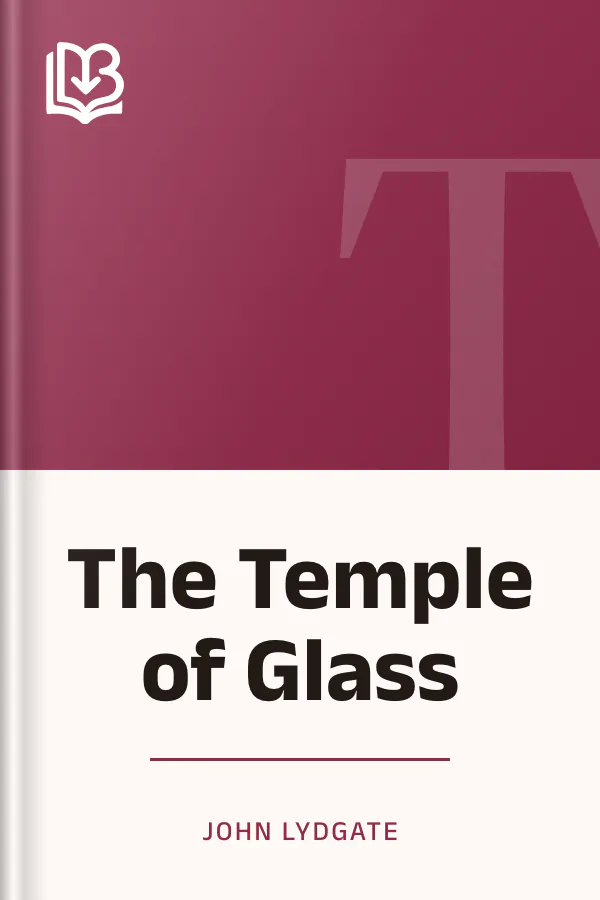
The Temple of Glass
- Downloads
- Under 100
- Pages
- 38
About this book
A troubled sleeper dreams his way into a shining glass temple, where images of famous lovers cover the walls and petitioners bring their sorrows to Venus. John Lydgate's poem draws on classical stories and the world of Chaucer to present love through complaints, prayers and promises of loyalty. The visitors speak of absence, jealousy, poverty and the pressure of marriages chosen by others, giving the dream a broad range of human concerns.
A man's appeal in the poem asks the goddess to help him win compassion from the woman he serves. His repeated pledges turn private longing into a formal expression of devotion. Readers interested in medieval verse will find an elaborate dream setting, mythological references and the language of courtly love. This text retains old spellings and abbreviated forms; its introductory note identifies the early printing by William Caxton and the later facsimile reproduced here.
Contents
About the author

More from this genre
See all- T Tales and Novels of J. de La Fontaine, Volume 19Tales and Novels of J. de La Fontaine, Volume 19
- A The Assemble of GoddesThe Assemble of Goddes
- p The poems of Heine;The poems of Heine;
- War's Embers, and Other Verses
- E The Elene of Cynewulf translated into English proseThe Elene of Cynewulf translated into English prose
- H Hero and LeanderHero and Leander
Books like this one
Reviews and discussion
No ratings yet. Be the first reader to rate this book.
Rate this book
Pick a star, then sign in. Only readers who confirmed their email can rate.
No comments yet. Share a thought, a question or a favourite passage.
Copyright concern? Read our DMCA policy
Read or download
Public domain book This work is in the public domain and free of copyright. Anyone may read, download and share it.
- EPUB 67 KB
-
KINDLE Send to Kindle Send
- Download the EPUB file to this device.
- Open Amazon's Send to Kindle page, sign in, and add the file. Open Send to Kindle (opens in a new tab)
On a phone: open the downloaded EPUB and share it to the Kindle app.
You can also email the file to your Kindle address (it ends in @kindle.com) from an email address you approved in your Amazon account.
- PDF 159 KB
Your download is starting.
Downloads start right away. How to open EPUB on your phone
Book facts
- Author
- John Lydgate
- Reading time
- About 45 minutes
- Pages
- 38
- Language
- English
- Genre
- Classical Poetry
- Formats
- PDF, EPUB, Read online