
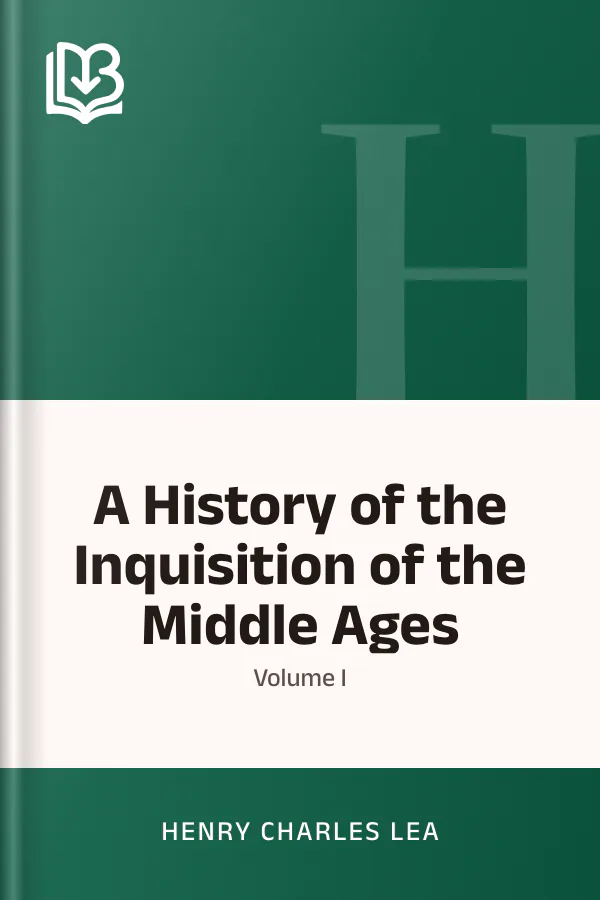
A History of the Inquisition of the Middle Ages; volume I
- Downloads
- Under 100
- Pages
- 420
About this book
Religious authority and legal procedure meet in Henry Charles Lea's account of the medieval Inquisition. This first volume examines the institution's origins and organization, beginning with the power of the Church, the growth of heresy, and the influence of the mendicant orders. In his preface, Lea explains why the spiritual and intellectual movements of the Middle Ages must be considered alongside the development of its courts.
The discussion follows disputes over who could judge religious dissent and impose penalties. Bishops and inquisitors negotiate their powers, while regional differences in Italy, Germany, and southern France shape the institution's reach. A council at Narbonne supplies rules for inquisitorial action, and financial interests complicate the division of responsibility.
About the author




More from this genre
See all- R Reasons Against the Succession of the House of HanoverReasons Against the Succession of the House of Hanover
- S A Short History of Italy (476-1900)A Short History of Italy (476-1900)
- H Historical and Descriptive Sketches of the Town and Soke of HorncastleHistorical and Descriptive Sketches of the Town and Soke of Horncastle
- S Second Annual Report of the Kensington Church of England District Visiting SocietySecond Annual Report of the Kensington Church of England District Visiting Society
- B The Bible in Spain, Vol. 2The Bible in Spain, Vol. 2
- S The Sunny Side of Diplomatic Life, 1875-1912The Sunny Side of Diplomatic Life, 1875-1912
Books like this one



Reviews and discussion
No ratings yet. Be the first reader to rate this book.
Rate this book
Pick a star, then sign in. Only readers who confirmed their email can rate.
No comments yet. Share a thought, a question or a favourite passage.
Copyright concern? Read our DMCA policy
Read or download
Public domain book This work is in the public domain and free of copyright. Anyone may read, download and share it.
- EPUB 649 KB
-
KINDLE Send to Kindle Send
- Download the EPUB file to this device.
- Open Amazon's Send to Kindle page, sign in, and add the file. Open Send to Kindle (opens in a new tab)
On a phone: open the downloaded EPUB and share it to the Kindle app.
You can also email the file to your Kindle address (it ends in @kindle.com) from an email address you approved in your Amazon account.
- PDF 3.1 MB
Your download is starting.
Downloads start right away. How to open EPUB on your phone
Book facts
- Author
- Henry Charles Lea
- Reading time
- About 15 hours
- Pages
- 420
- Language
- English
- Genre
- European History
- Formats
- PDF, EPUB, Read online