
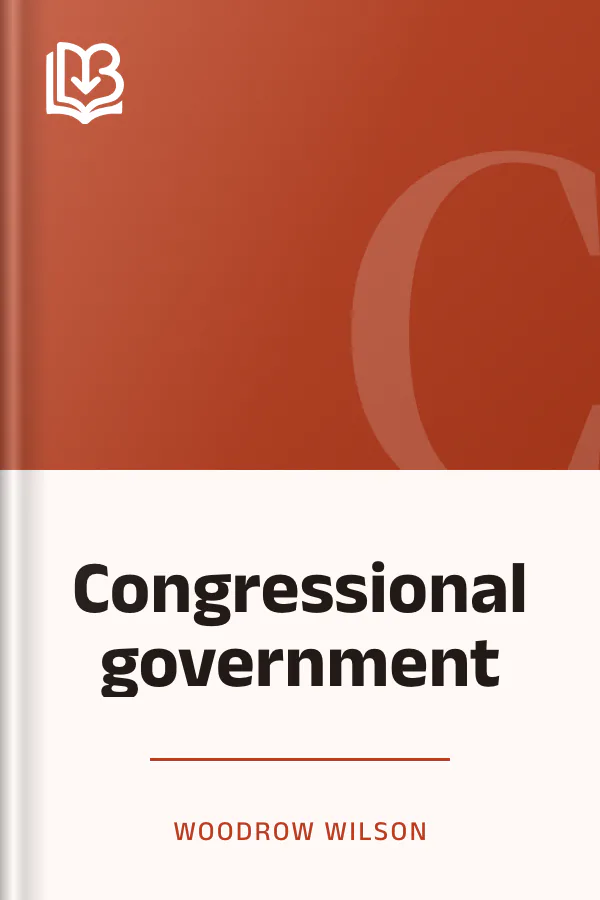
Congressional government
- Downloads
- Under 100
- Pages
- 156
About this book
Congressional government by Woodrow Wilson presents a study in American politics, with a preface addressing changes in the system since the book was written. The discussion of constitutional change describes institutions retaining their original names while undergoing essential alterations in character, leaving names more persistent than functions. The account of federal affairs describes legislative and administrative practice and accumulated precedent broadening the government's sphere and altering its functions without perceptibly changing constitutional vocabulary.
The financial discussion covers the dealings of Congress with revenue, expenditure, and supply, offering a general view without technical detail. The comparison of financial policies contrasts a cooperative ministry directed by a representative chamber with a representative body directing policy and receiving only clerical executive aid.
Contents
About the author

More from this genre
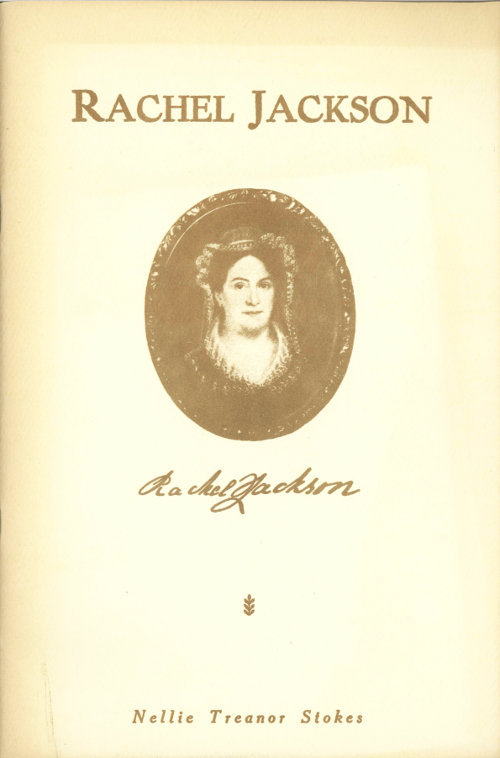
See all- Rachel Jackson
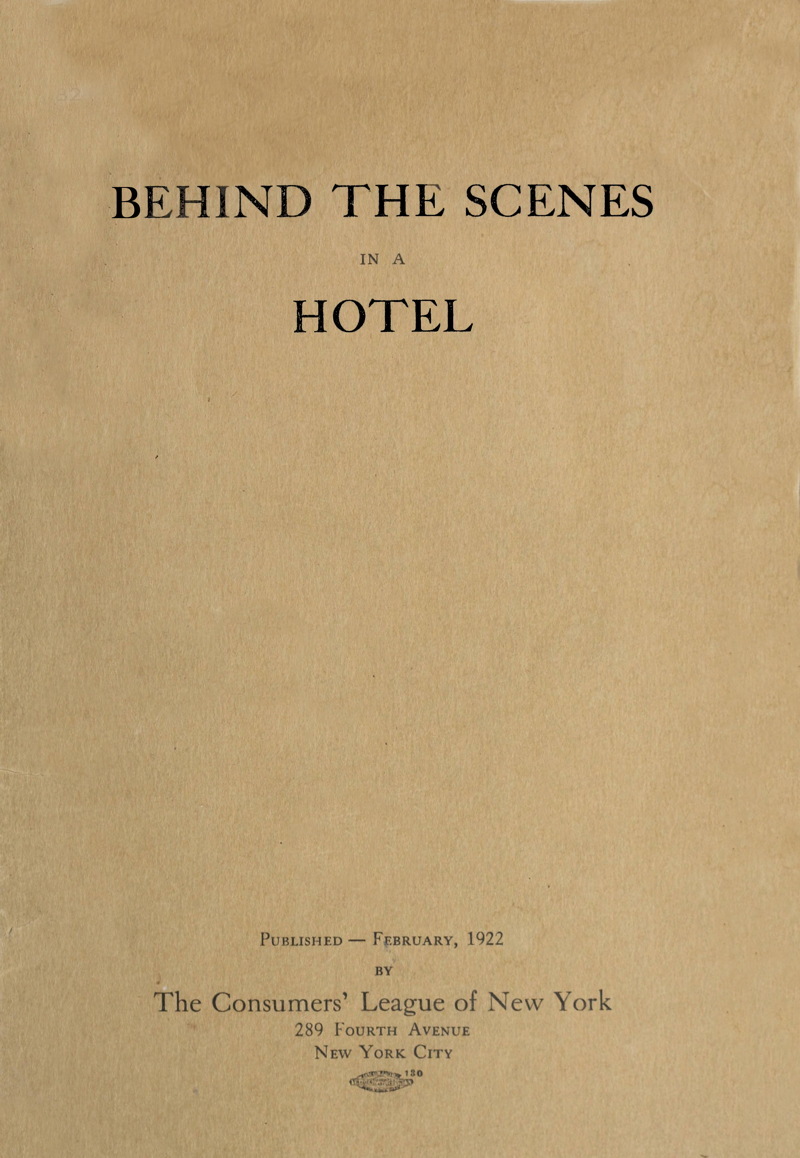
- Behind the Scenes in a Hotel
- P The Peril and the Preservation of the HomeThe Peril and the Preservation of the Home
- A An Account of Sa-Go-Ye-Wat-HaAn Account of Sa-Go-Ye-Wat-Ha
- I An Introduction to the Mortuary Customs of the North American IndiansAn Introduction to the Mortuary Customs of the North American Indians
- P Pioneer Day ExercisesPioneer Day Exercises
Books like this one
Reviews and discussion
No ratings yet. Be the first reader to rate this book.
Rate this book
Pick a star, then sign in. Only readers who confirmed their email can rate.
No comments yet. Share a thought, a question or a favourite passage.
Copyright concern? Read our DMCA policy
Read or download
Public domain book This work is in the public domain and free of copyright. Anyone may read, download and share it.
- EPUB 199 KB
-
KINDLE Send to Kindle Send
- Download the EPUB file to this device.
- Open Amazon's Send to Kindle page, sign in, and add the file. Open Send to Kindle (opens in a new tab)
On a phone: open the downloaded EPUB and share it to the Kindle app.
You can also email the file to your Kindle address (it ends in @kindle.com) from an email address you approved in your Amazon account.
- PDF 1.3 MB
Downloads start right away. How to open EPUB on your phone
Book facts
- Author
- Woodrow Wilson
- Reading time
- About 5 hours
- Pages
- 156
- Language
- English
- Genre
- American History
- Formats
- PDF, EPUB, Read online