
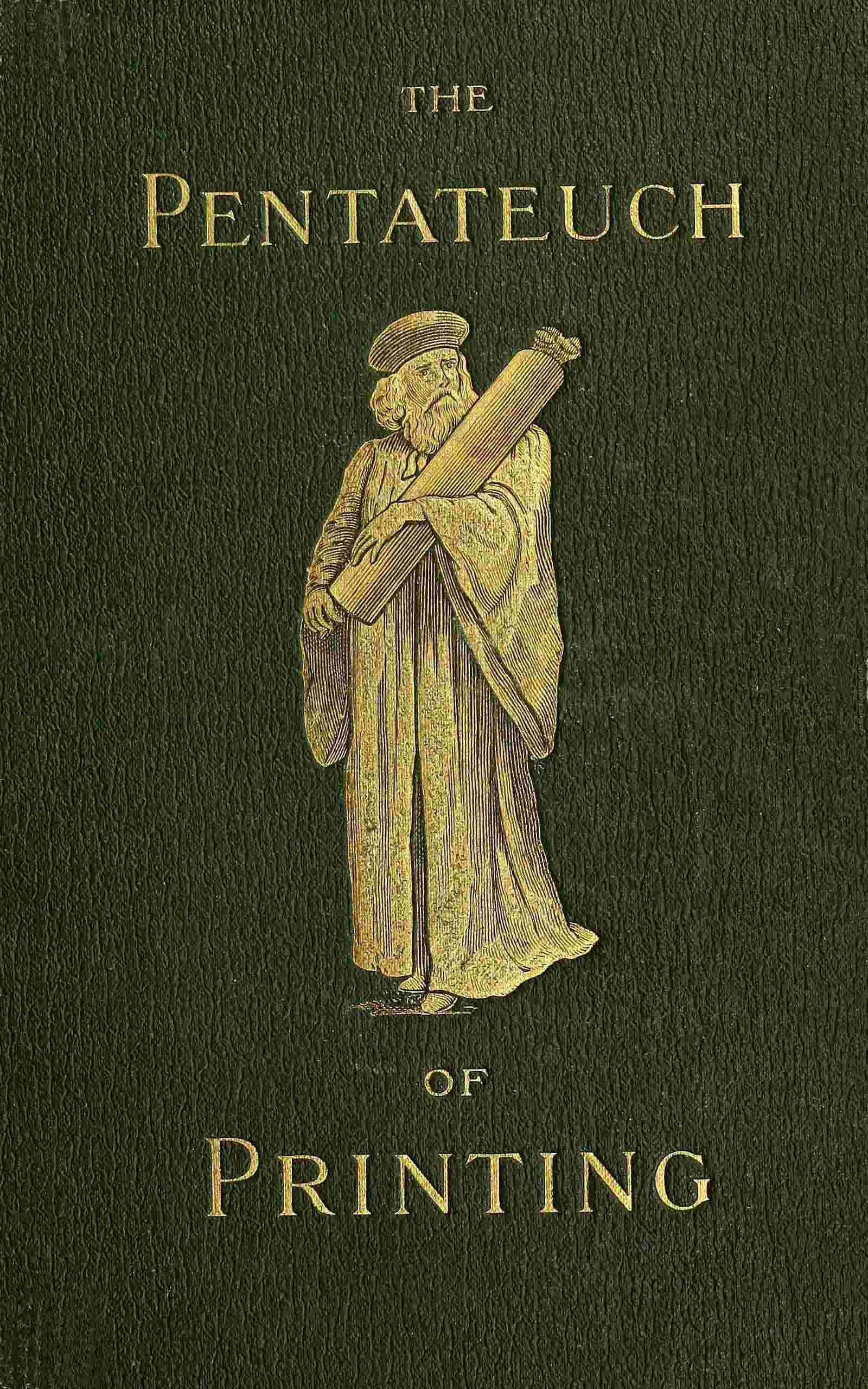
The Pentateuch of printing
- Downloads
- Under 100
- Pages
- 115
About this book
William Blades explains in his preface why he calls his book The Pentateuch of Printing: the Genesis of the World finds a parallel in the Genesis of Printing, the spread of typography in Exodus, the rules for making a book in Leviticus, and, less directly, the printers' roll of honour in Numbers. The volume carries a memoir of the author with a list of his works by Talbot B. Reed. An illustration shows St. Christopher, captioned as the earliest dated woodcut, from 1423.
A passage about the author says he signed some title pages William Blades, Printer, and studied early printing as a printer first, an antiquary next and a man of letters last. In another passage Caxton, tired of so much writing, goes to Colard Mansion at Bruges, who had set up a press in a room over the church porch of St. Donatus, and about 1474 or 1475 the book is completed and a copy given to the Duchess. A list of books for the student names works such as Cotton's Typographical Gazetteer and Panzer's Annales.
Contents
About the author

More from this genre
See all- A General's Letters to His Son on Minor Tactics
- A Simple Explanation of Modern Banking Customs
- W What Dress Makes of UsWhat Dress Makes of Us
- How to Prosper in Boll Weevil Territory
- S Success with Small FruitsSuccess with Small Fruits
- Everybody's Book of Luck
Books like this one


Reviews and discussion
No ratings yet. Be the first reader to rate this book.
Rate this book
Pick a star, then sign in. Only readers who confirmed their email can rate.
No comments yet. Share a thought, a question or a favourite passage.
Copyright concern? Read our DMCA policy
Read or download
Public domain book This work is in the public domain and free of copyright. Anyone may read, download and share it.
- EPUB 18 MB
-
KINDLE Send to Kindle Send
- Download the EPUB file to this device.
- Open Amazon's Send to Kindle page, sign in, and add the file. Open Send to Kindle (opens in a new tab)
On a phone: open the downloaded EPUB and share it to the Kindle app.
You can also email the file to your Kindle address (it ends in @kindle.com) from an email address you approved in your Amazon account.
- PDF 19 MB
Downloads start right away. How to open EPUB on your phone
Book facts
- Author
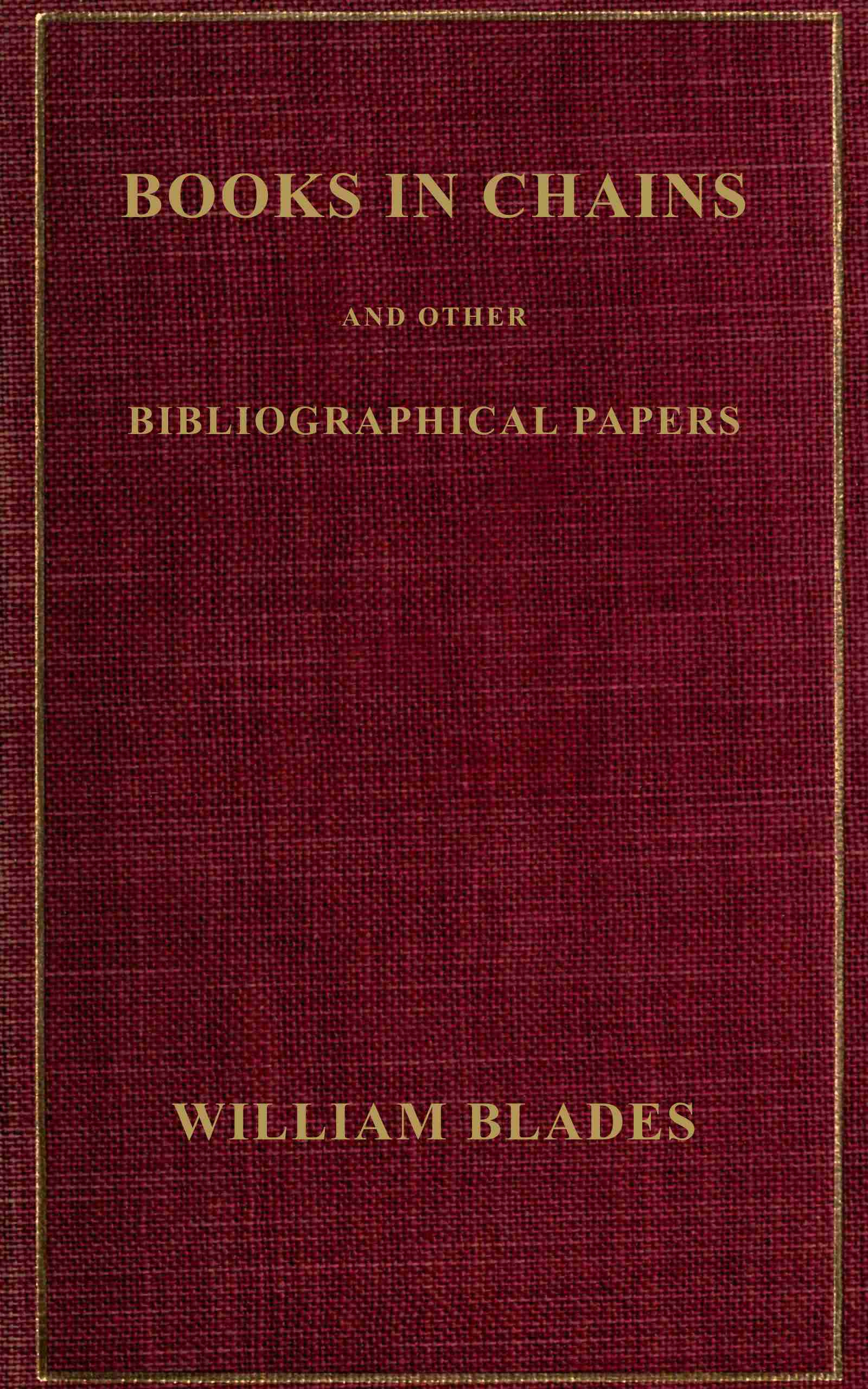
- William Blades
- Reading time
- About 110 minutes
- Pages
- 115
- Language
- English
- Genre
- Educational
- Formats
- PDF, EPUB, Read online