
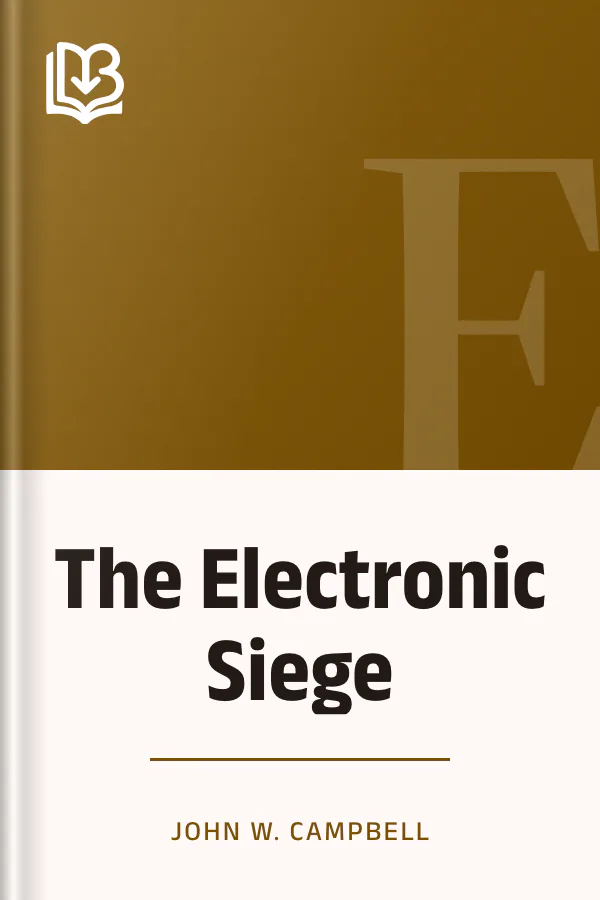
The Electronic Siege
- Downloads
- Under 100
- Pages
- 27
About this book
John W. Campbell, Jr.'s The Electronic Siege first appeared in Wonder Stories in April 1932. The magazine's introduction says the story has strange adventures on another world, a mystery on an inhabited asteroid, disappearances in space and a colony of scientific experimenters who defy the rest of humanity.
The text shows Ezra Markham, a multi-billionaire, boarding a space liner with a train of luggage trucks behind him. He complains about Commander Morrison of the Interplanetary Lane Patrol, who gave him trouble over his pass, and about the cabin he is shown, and he demands a suite. In another passage Barclay climbs the wall of a power-house, where atomic generators hum behind metal walls, and finds the controls of a protolectric defense gun on the roof. In a third, a gun booth is left a molten heap after a flash of flame, and Barclay asks that the other ships be warned.
Contents
About the author






More from this genre
See all


Books like this one




Reviews and discussion
No ratings yet. Be the first reader to rate this book.
Rate this book
Pick a star, then sign in. Only readers who confirmed their email can rate.
No comments yet. Share a thought, a question or a favourite passage.
Copyright concern? Read our DMCA policy
Read or download
Public domain book This work is in the public domain and free of copyright. Anyone may read, download and share it.
- EPUB 156 KB
-
KINDLE Send to Kindle Send
- Download the EPUB file to this device.
- Open Amazon's Send to Kindle page, sign in, and add the file. Open Send to Kindle (opens in a new tab)
On a phone: open the downloaded EPUB and share it to the Kindle app.
You can also email the file to your Kindle address (it ends in @kindle.com) from an email address you approved in your Amazon account.
- PDF 324 KB
Downloads start right away. How to open EPUB on your phone
Book facts
- Author
- John W. Campbell
- Reading time
- About 40 minutes
- Pages
- 27
- Language
- English
- Genre
- Adventure
- Formats
- PDF, EPUB, Read online